Edit PDFs online for free: five checks before you start
A practical workflow for format, privacy, and export quality when editing a PDF online.
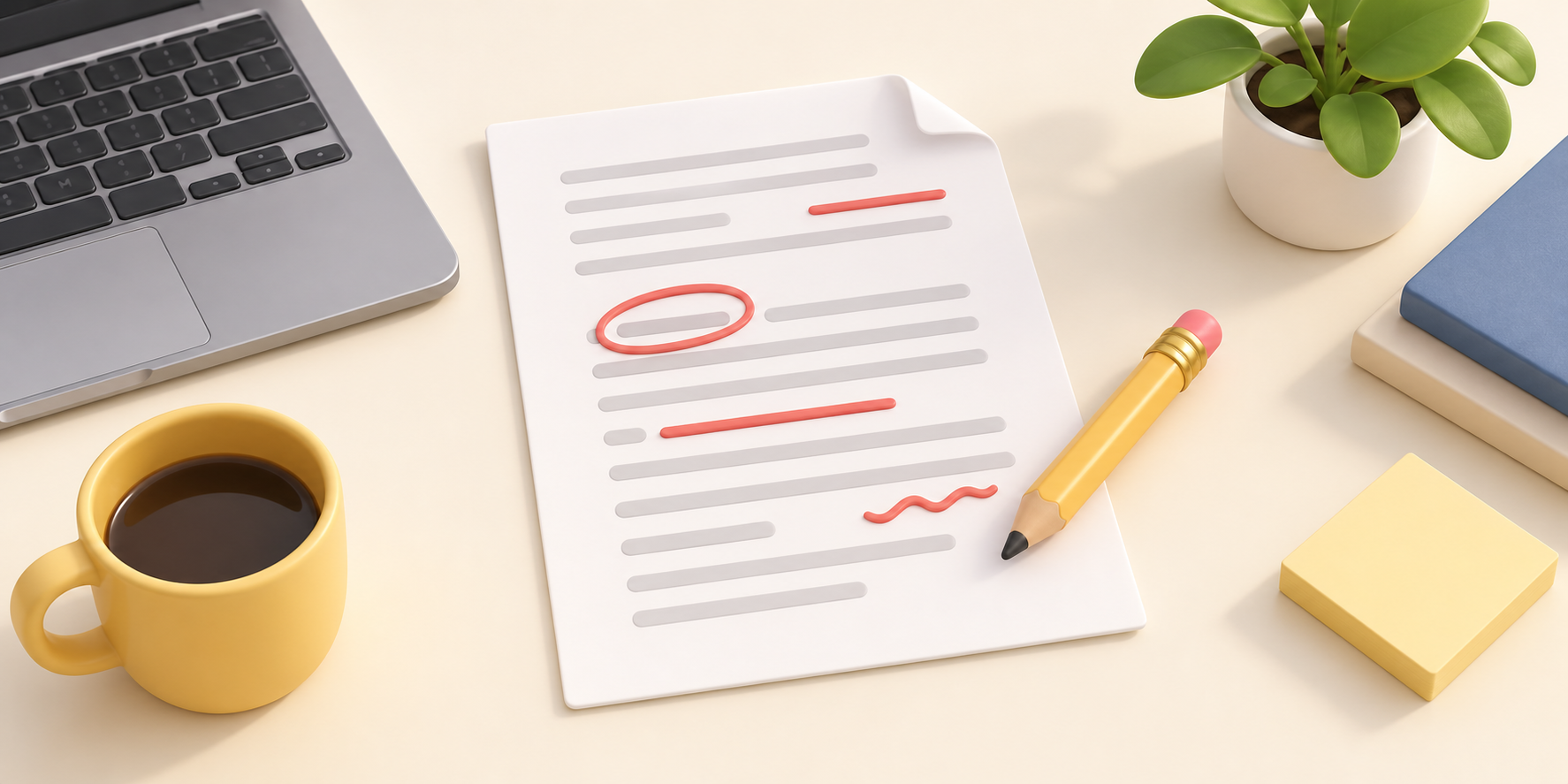
Identify the kind of edit first
Editing a PDF can mean completing a form, annotating, rearranging pages, extracting pages, or changing source text. Define the job before choosing a tool. For a form or signature, avoiding unnecessary conversions usually preserves the layout best.
Keep the original and review sensitive data
Make a copy before you begin. If the document includes identity, financial, medical, or contract information, prefer a browser-based local workflow and remove test copies after completion.
A reliable workflow
- Confirm page count, orientation, and the exact changes.
- Make only required edits and avoid repeated conversions.
- Review fonts, images, links, and signatures page by page after export.
- Save with a clear version name.
Verify the export
Check text at 100% zoom, inspect images and stamps at higher zoom, then open the result in a second reader. A file that opens is not automatically a file that renders correctly.
Takeaway
A good PDF workflow protects the original, limits transformations, and treats verification as a normal final step.