Edit PDF Online for Free: Check These 5 Things First
From formatting, privacy to export quality, establish a safe and efficient PDF modification process.
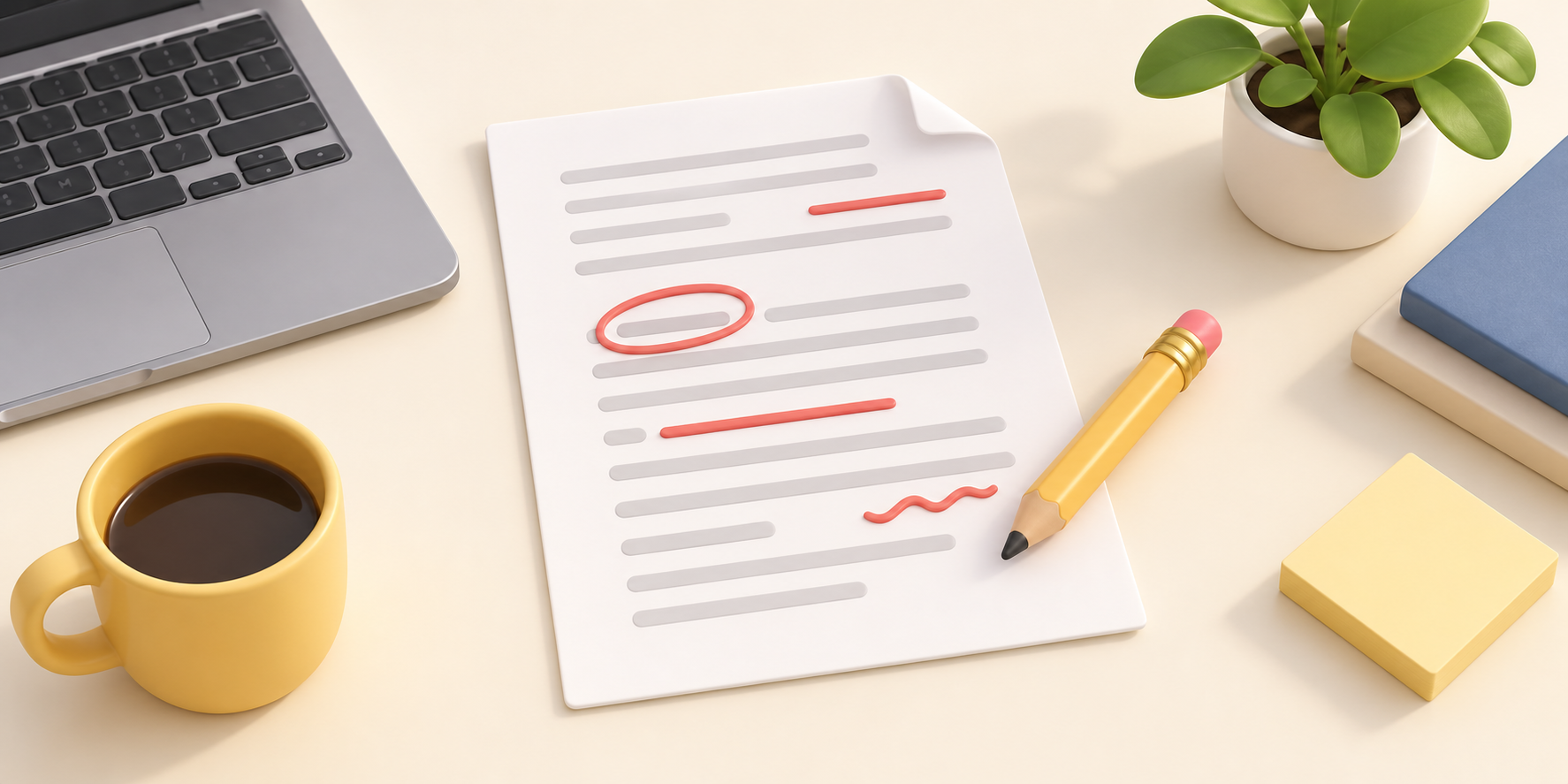
First determine what kind of modification you need
"Editing" a PDF may mean filling in a form, adding annotations, rearranging pages, capturing pages, or actually changing the original text. Only by clarifying your goals can you choose the right tool. If you are just filling in a form or signing a document, avoiding converting the document and then converting it back can usually preserve better layout quality.
Before you begin: Keep the original file and check for sensitive content
First make a copy of the original file and confirm whether it contains ID number, accounting, medical records or contract information. When sensitive information is involved, give priority to tools that are processed by the browser itself; please also clear the test version in the download folder after completion.
Reliable workflow
- Confirm the number of pages, orientation and location to be modified.
- Only make necessary modifications to avoid repeated conversions.
- After output, check the font, picture, link and signature position page by page.
- Save it with a clear version name, such as
Contract_2026-08-Final.pdf.
Three check points for export quality
Use 100% zoom to check whether the text has been replaced with garbled characters; zoom in to check whether the image and seal are blurred; finally, open it on another device or another PDF reader to confirm that the layout is not lost.
Conclusion
Good PDF editing is not just about "opening after editing". Only by retaining the original files, reducing unnecessary conversions, processing sensitive data, and turning export verification into a fixed step can we achieve both efficiency and reliability.